Skip to content
Home
Resources & Knowledge
Clinical Guidelines
Toolkits
Technical Documents
Reports
Research Library
Poster
Videos
Education & Learning
Online Courses
Beginner
Training and Education
CSSD Educational Platform
Central Sterilization Services Department (CSSD)Educational Platform
Sterile Service Unit (SSU) Educational Platform in the Primary Health Care (PHC)
Supportive Services Educational Platform
Dental Setting Educational Platform
Intermediate
Advanced
Healthcare Acquired Outbreaks Management Educational Platform
Healthcare-Associated Infections (HAIs) Surveillance
events & webinar
Calendar
The Guide
Emerging & Re emerging Diseases
Mpox
Ebola
MERS-CoV
Hantavirus
COVID-19 Updates
Network & Support
Membership
Expert Network
Mentorship Program
Volunteer Opportunities
Regional Chapters
Collaboration and Coordination
The Guide
Home
Resources & Knowledge
Clinical Guidelines
Toolkits
Technical Documents
Reports
Research Library
Poster
Videos
Education & Learning
Online Courses
Beginner
Training and Education
CSSD Educational Platform
Central Sterilization Services Department (CSSD)Educational Platform
Sterile Service Unit (SSU) Educational Platform in the Primary Health Care (PHC)
Supportive Services Educational Platform
Dental Setting Educational Platform
Intermediate
Advanced
Healthcare Acquired Outbreaks Management Educational Platform
Healthcare-Associated Infections (HAIs) Surveillance
events & webinar
Calendar
The Guide
Emerging & Re emerging Diseases
Mpox
Ebola
MERS-CoV
Hantavirus
COVID-19 Updates
Network & Support
Membership
Expert Network
Mentorship Program
Volunteer Opportunities
Regional Chapters
Collaboration and Coordination
The Guide
Contact
Platform Usage Guide
Steps to Start Educational Journey
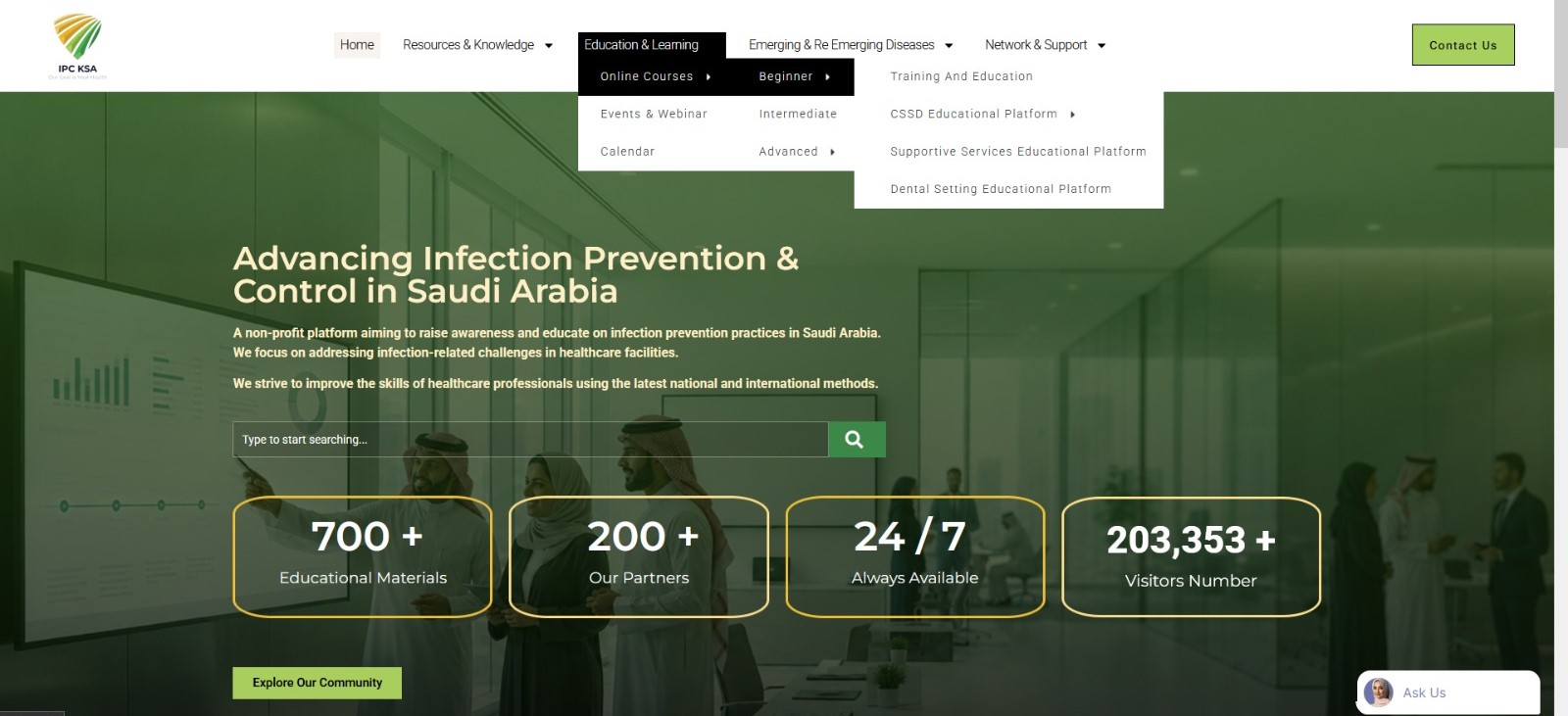
Select the desired topic from the website’s main menu.
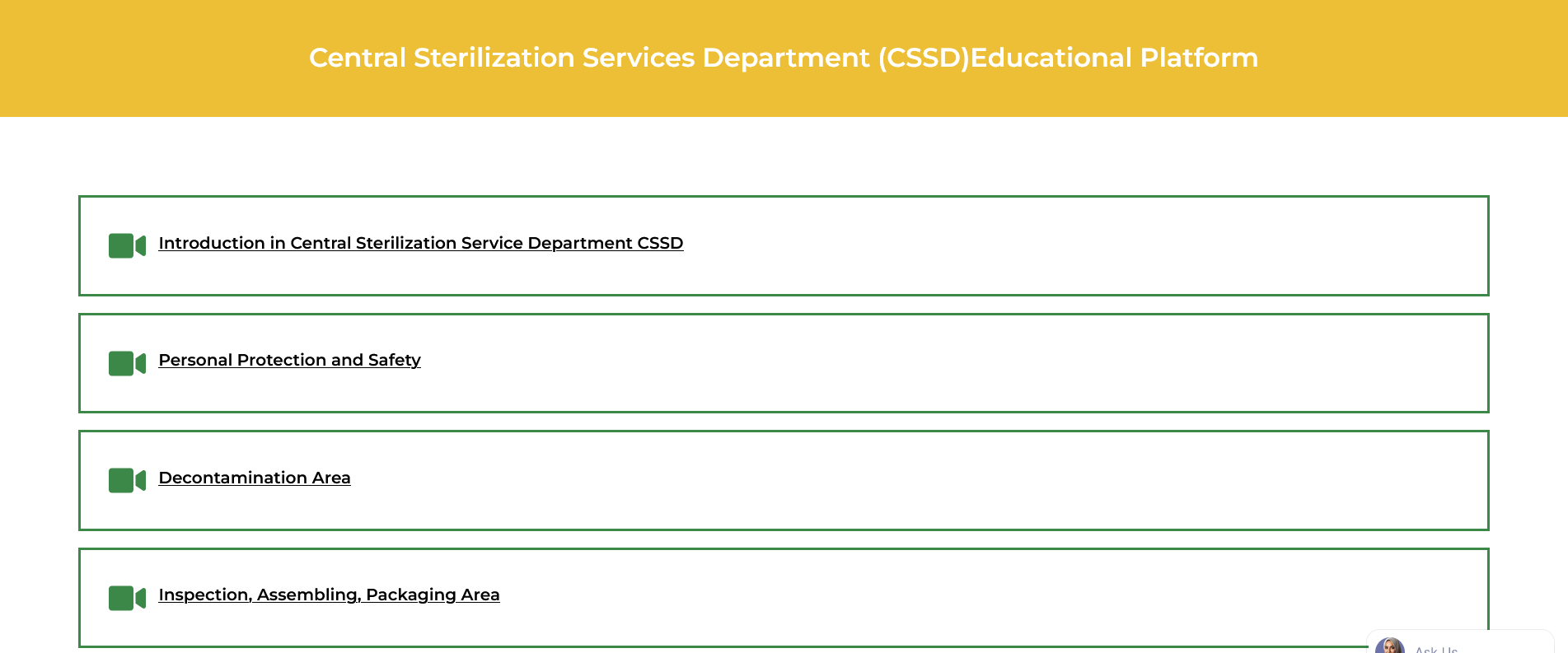
Open the lesson page and review the available content.
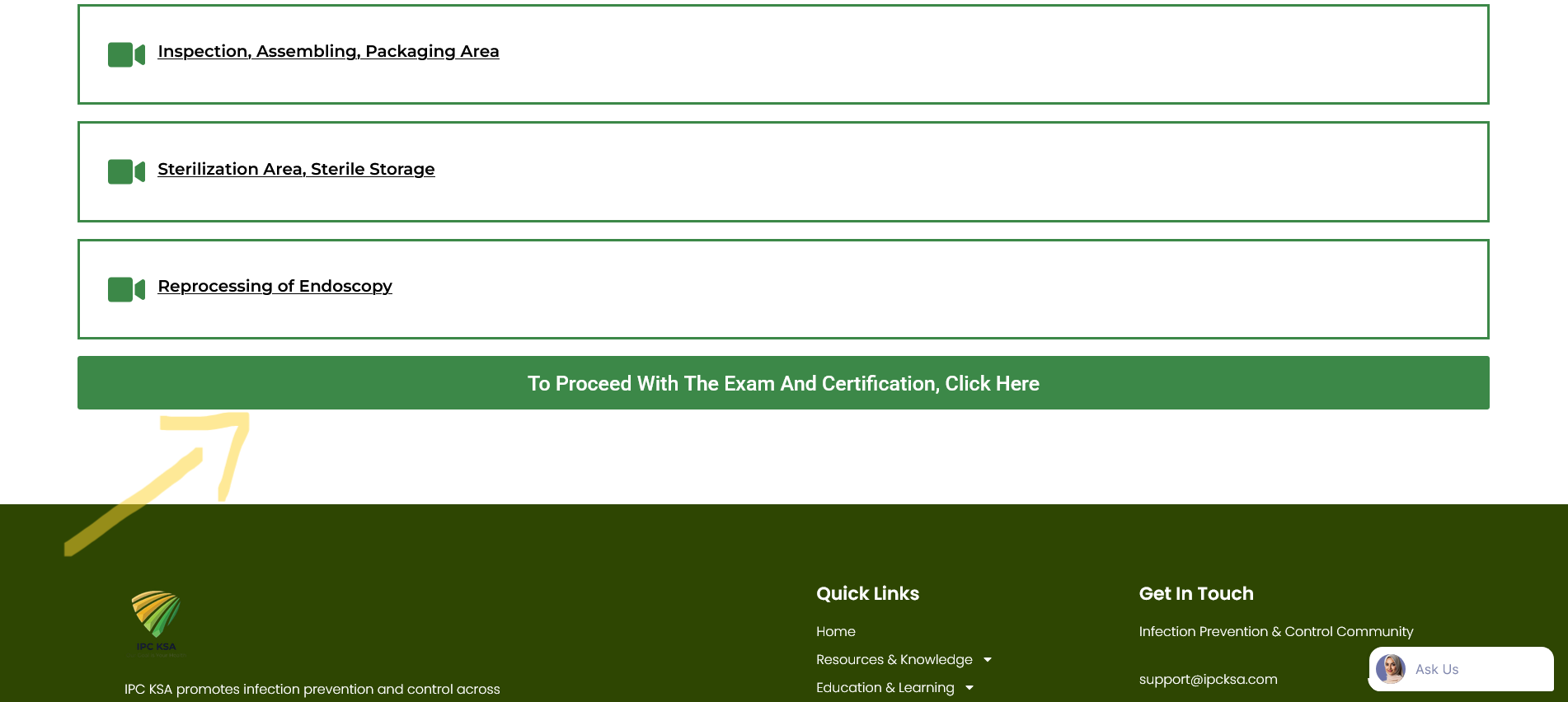
Scroll to the bottom of the page, then click here if you would like to take the exam.
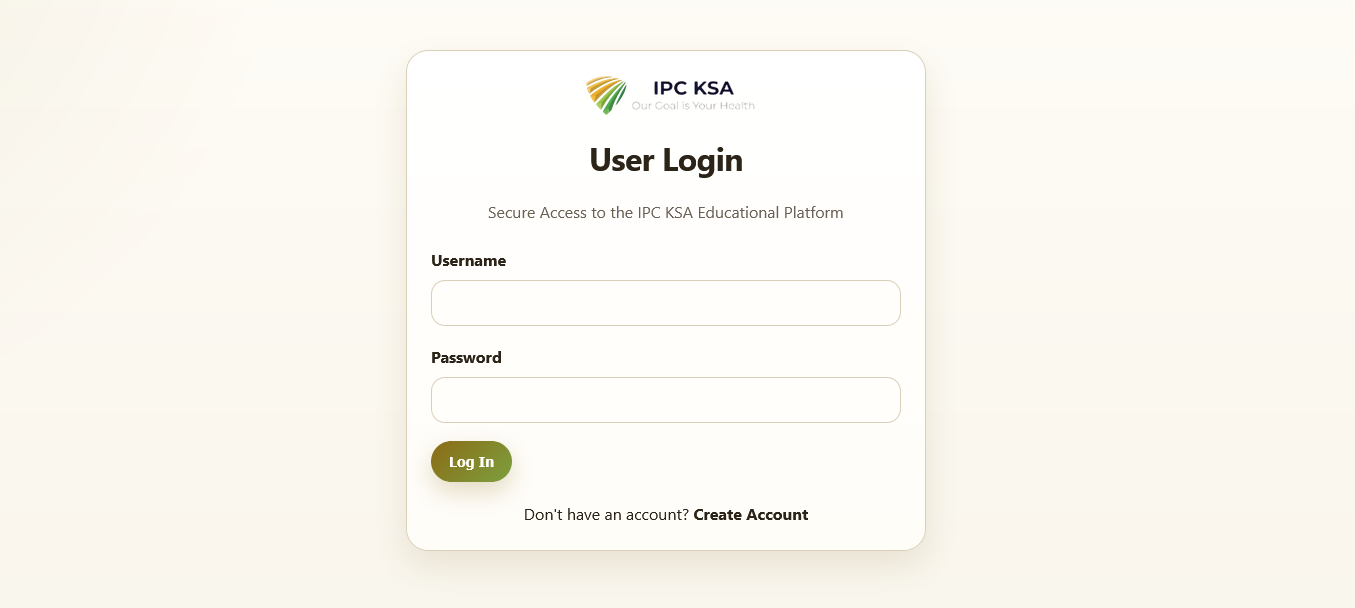
This page will open. If you are already a registered member, log in to your account. If you are not yet a member, create a new account.
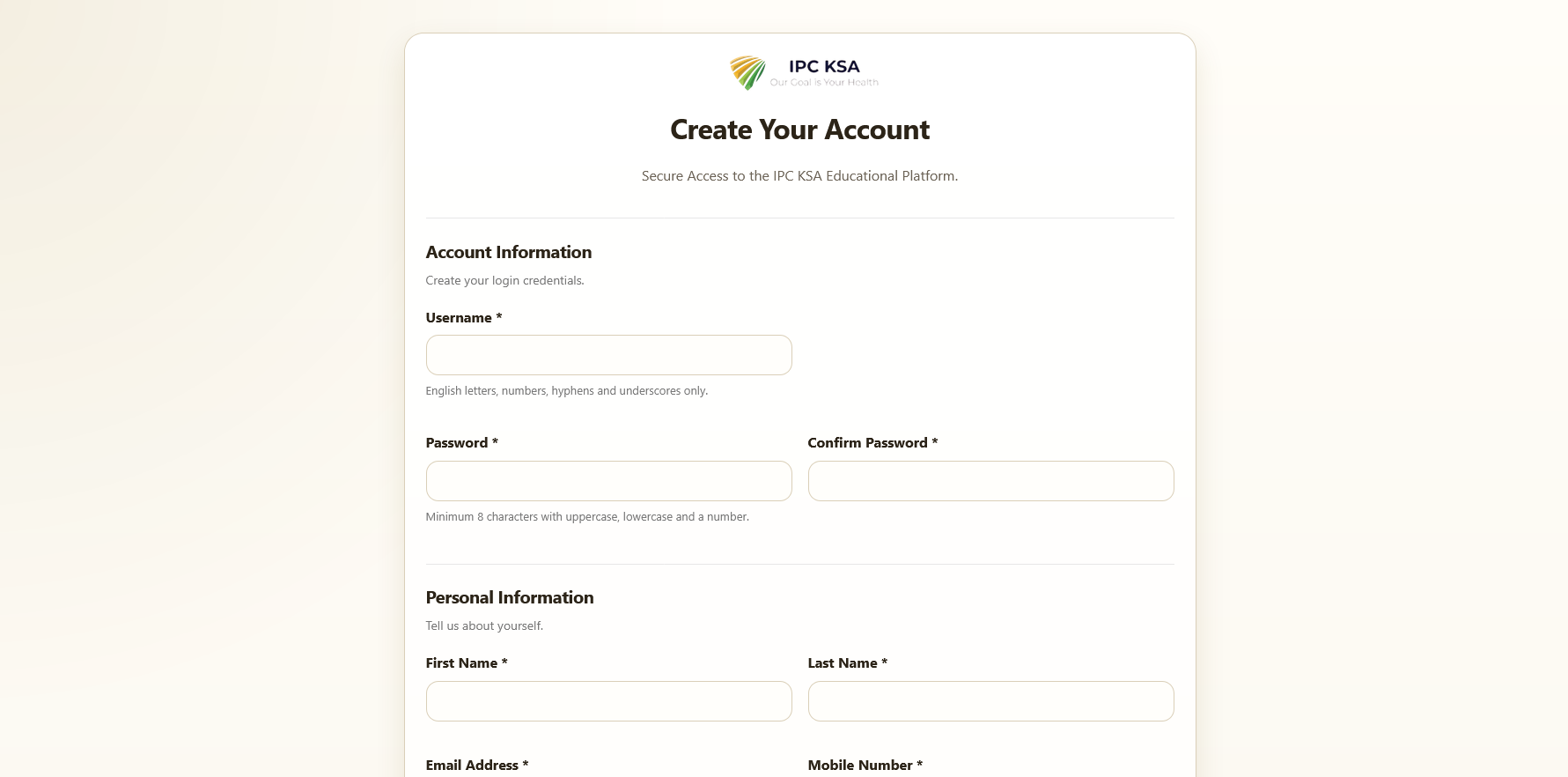
Complete the registration process by filling in all the required fields.
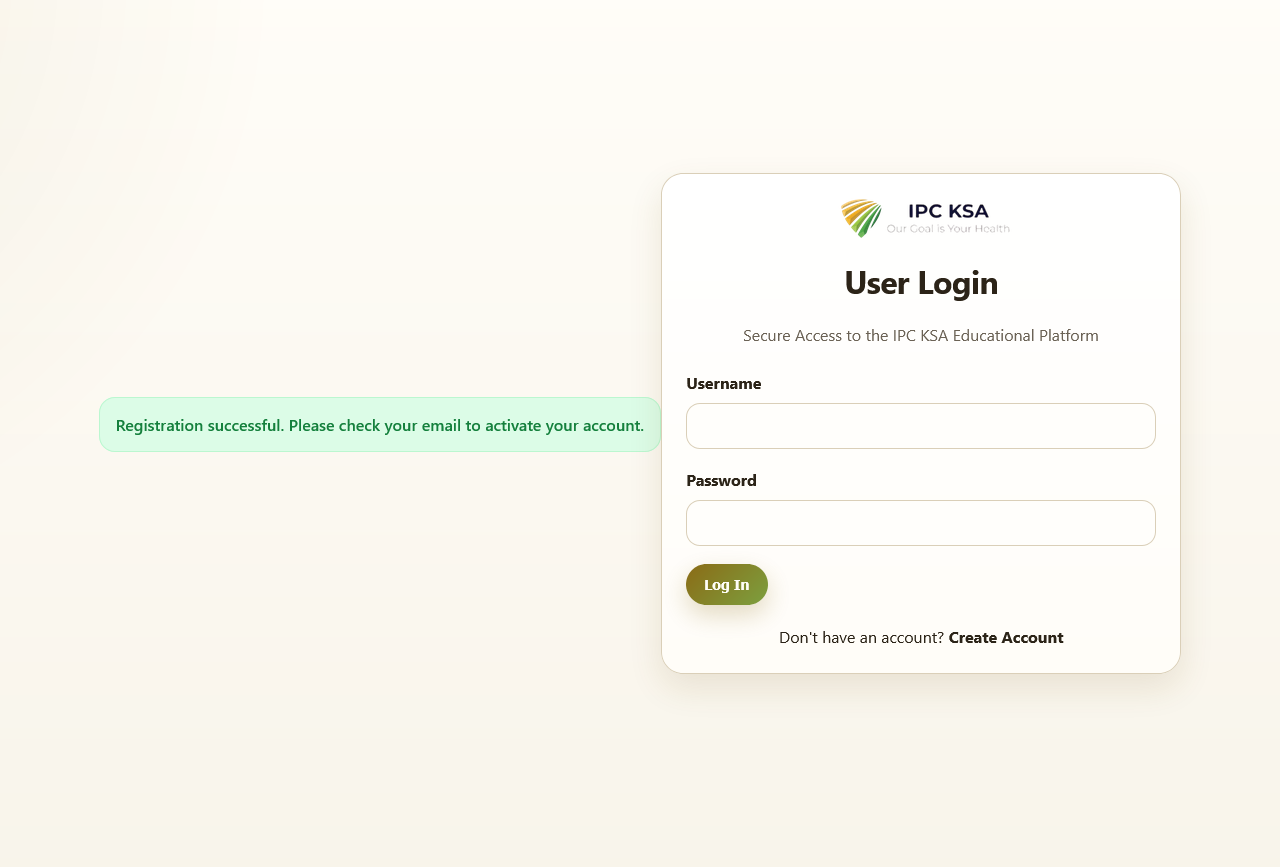
You will receive an email to activate your account.
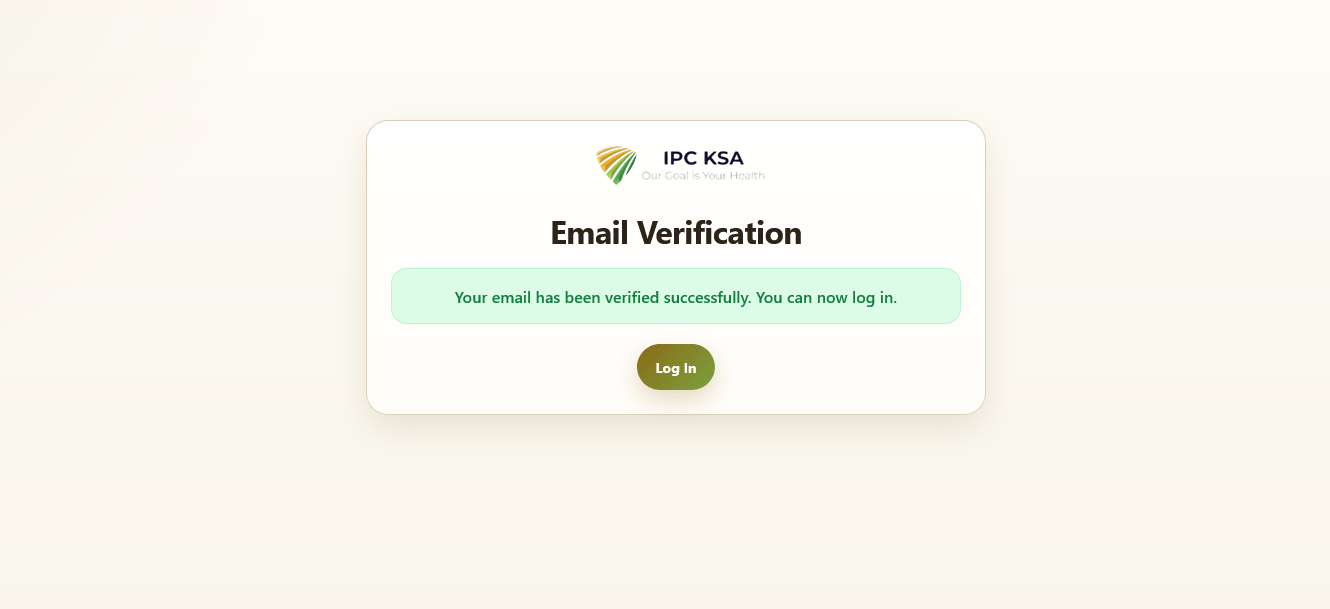
Click the activation link provided in the email.
You will then be redirected to the login page, where you can sign in to your account.
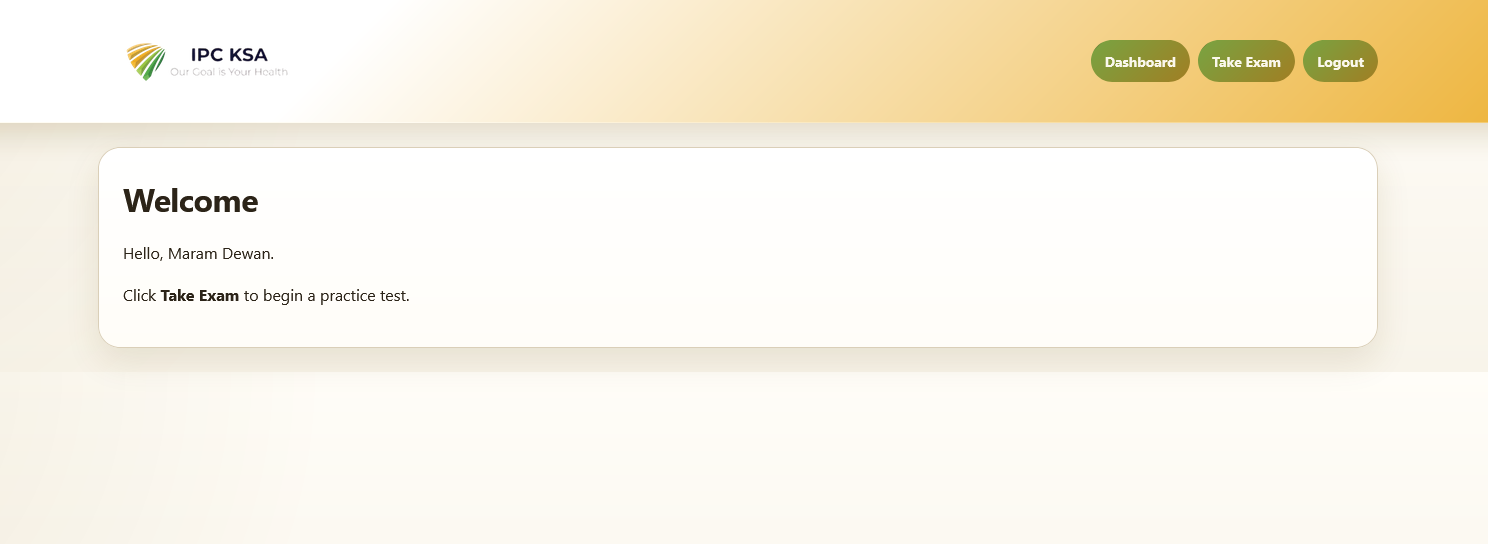
After logging in, you will be redirected to the dashboard.
From the dashboard, select Take Exam.
The page will display all the available exam topics.
Select the topic you would like to take an exam in.
Complete and submit the exam to view your results.
Once your results are displayed, your certificate will become available, and you can print it.